
Effects
Stroke Dash
Draw an animated dashed rectangular border
Overview
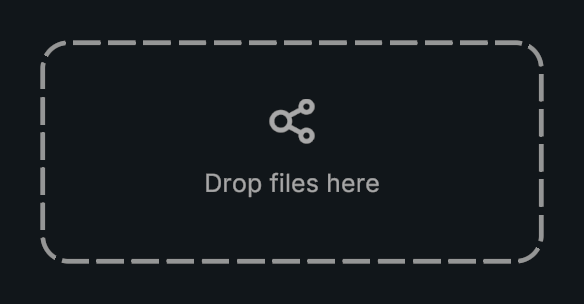
Stroke Dash draws its own dashed border as a MaskableGraphic.
Usage
Add Stroke Dash to a UI RectTransform.
Set its dimensions, border radius, and thickness.
Adjust dash length, gap, and animation speed.
Notes
- Use Graphic color for the border tint. For dashed outlines on other shape types, use Procedural Shape’s built-in outline settings.
- This component is the Graphic. Do not add another Image to the same GameObject to supply its rendering.
Public API
Use StrokeDash in the Evo.UI namespace.
Fields
| Name | Type | Description |
|---|---|---|
thickness | float | Border thickness. |
borderRadius | float | Corner radius. |
dashLength | float | Length of each dash. |
gapLength | float | Space between dashes. |
speed | float | Dash animation speed. |
Example
using UnityEngine;
using Evo.UI;

public class StrokeDashExample : MonoBehaviour
{
    [SerializeField] private StrokeDash target;

    private void Start()
    {
        target.thickness = 3f;
        target.dashLength = 16f;
        target.gapLength = 8f;
        target.speed = 20f;
    }
}