
UI Elements
Calendar
Choose dates within an optional allowed range
Overview
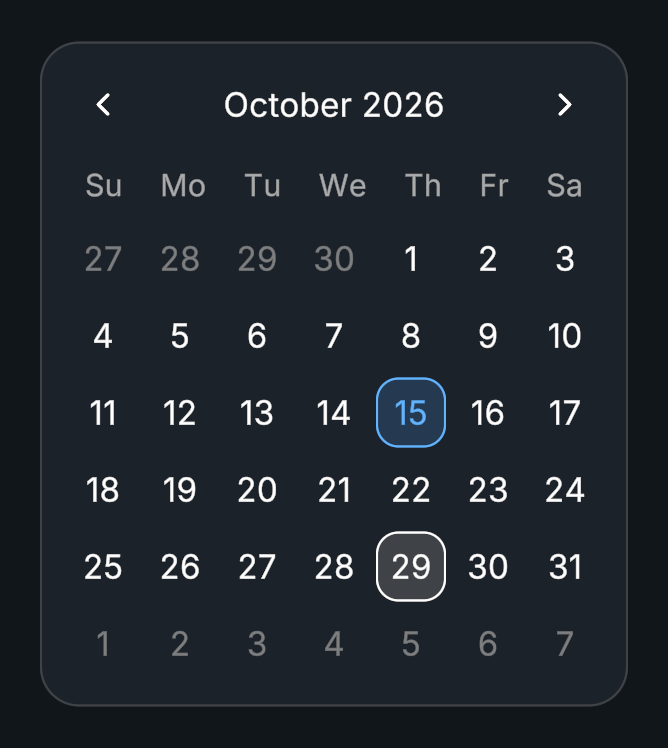
Calendar provides a month view, date selection, and optional date limits. Its entries are cached before runtime, and the v2 editor supports live changes.
Usage
Create a Calendar prefab with its day grid, month and year dropdowns, and navigation buttons.
Choose the initial date behavior in the Inspector.
Set minimum and maximum dates if your application has a permitted range.
Listen to On Date Selected for a System.DateTime value.
Tips
- Edit the day preset and its Styler mappings for normal, selected, and unavailable dates.
- Month labels can use Evo Localization when the integration is enabled.
Public API
Use Calendar in the Evo.UI namespace.
Properties
| Name | Type | Description |
|---|---|---|
HighlightToday | bool | Marks today's date, month, and year. |
TransitionDuration | float | Zoom and slide duration in seconds. Zero switches instantly. |
ZoomScale | float | Scale difference when zooming between views, from 0 to 0.5. |
SlideDistance | float | Page slide distance relative to the grid, from 0 to 1. |
Methods
| Name | Parameters | Description |
|---|---|---|
SelectDate() | DateTime date, bool invokeEvents = true | Selects a date, optionally suppressing its event. |
GetSelectedDate() | None | Returns the selected date or null. Returns DateTime?. |
ClearSelection() | None | Clears the selected date. |
SetMinDate() | DateTime date | Sets the earliest allowed date. |
SetMaxDate() | DateTime date | Sets the latest allowed date. |
SetYearRange() | int range | Changes the available year range. |
GoToToday() | None | Navigates to the current month. |
SelectToday() | None | Selects today’s date. |
Refresh() | None | Refreshes the calendar view. |
Events
| Name | Type | Description |
|---|---|---|
onDateSelected | UnityEvent<DateTime> | Invoked with the selected DateTime. |
Example
using UnityEngine;
using Evo.UI;

public class CalendarExample : MonoBehaviour
{
    [SerializeField] private Calendar target;

    private void Start()
    {
        target.SetMinDate(System.DateTime.Today);
        target.SelectDate(System.DateTime.Today, false);
        target.onDateSelected.AddListener(date => Debug.Log(date.ToString("yyyy-MM-dd")));
    }
}