
UI Elements
Progress Bar
Display progress with optional smoothing and formatted text
Overview
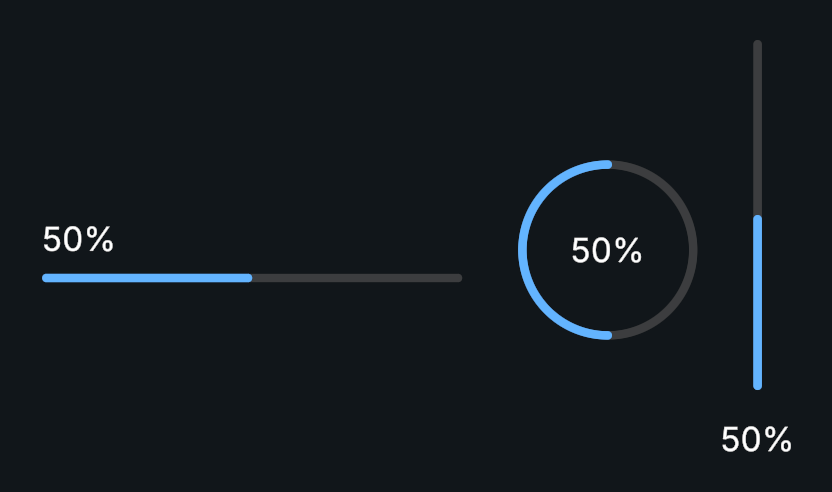
Progress Bar displays a value within a range. It supports a Procedural Shape fill, animated value changes, and an optional text label.
Usage
Create a Progress Bar and set its minimum and maximum.
Configure the fill shape’s clipping direction.
Choose a text format and whether the fill should smooth value changes.
Assign Value whenever the underlying progress changes.
Tips
- Invert Fill reverses only the visible fill amount. It does not change the value or text.
- Display Multiplier is useful when the underlying range is 0–1 but the label should show a percentage.
Public API
Use ProgressBar in the Evo.UI namespace.
onValueChanged reports the numeric value, not the smoothed visual amount.
Properties
| Name | Type | Description |
|---|---|---|
Value | float | Current progress value. |
MinValue | float | Lower bound. |
MaxValue | float | Upper bound. |
Fields
| Name | Type | Description |
|---|---|---|
invertFill | bool | Reverses the visual fill amount. |
enableSmoothing | bool | Animates the fill toward its value. |
smoothingDuration | float | Time used for the fill animation. |
displayMultiplier | float | Multiplier for display text only. |
displayFormat | NumberDisplayFormat | Shared number format. |
textFormat | string | Text template containing 0. |
fillRect | RectTransform | RectTransform containing the fill Graphic. |
Methods
| Name | Parameters | Description |
|---|---|---|
SetValueWithoutNotify() | float newValue | Sets progress without its value event. |
SetValueInstant() | float newValue | Updates the fill immediately and notifies listeners. |
Events
| Name | Type | Description |
|---|---|---|
onValueChanged | UnityEvent<float> | Invoked with the changed value. |
Example
using UnityEngine;
using Evo.UI;

public class ProgressBarExample : MonoBehaviour
{
    [SerializeField] private ProgressBar target;

    private void Start()
    {
        target.MinValue = 0f;
        target.MaxValue = 1f;
        target.displayMultiplier = 100f;
        target.textFormat = "{0}%";
        target.Value = 0f;
    }

    // Call this from your loading code with a value between 0 and 1.
    public void ReportProgress(float progress)
    {
        target.Value = Mathf.Clamp01(progress);
    }
}